Blogfield notes
7 Best AI Employees for SaaS Teams in 2026
The strongest model doesn't automatically make the best AI employee. A chatbot can answer a question brilliantly and still fail the actual job, which is moving work through Slack, CRM, finance, support, and engineering systems without losing context or control. The useful compari
The strongest model doesn't automatically make the best AI employee. A chatbot can answer a question brilliantly and still fail the actual job, which is moving work through Slack, CRM, finance, support, and engineering systems without losing context or control. The useful comparison is operational: can the tool remember how your company works, act across tools, surface work before someone asks, respect permissions, preserve an audit trail, and keep usage costs predictable?
That distinction matters because AI is already common but rarely embedded end to end. McKinsey's 2025 survey found that 88% of organizations use AI in at least one business function, while only 7% have fully scaled it across the organization (McKinsey's AI adoption analysis). Below, I compare seven practical options, from broad Slack-based coworkers to enterprise knowledge systems. The right choice depends on your workflow depth, system complexity, security expectations, and appetite for setup. I'm evaluating integrations, workspace fit, memory, proactive execution, permissions, governance, pricing model, and implementation effort.
Table of Contents
- 1. Supercenter
- 2. Lindy
- 3. Anthropic Claude Tag
- 4. Salesforce Agentforce
- 5. Zapier Agents and AI by Zapier
- 6. Dust
- 7. Glean Work AI
- Top 7 AI Employees: Feature Comparison
- Choose the Coworker That Matches the Work
1. Supercenter
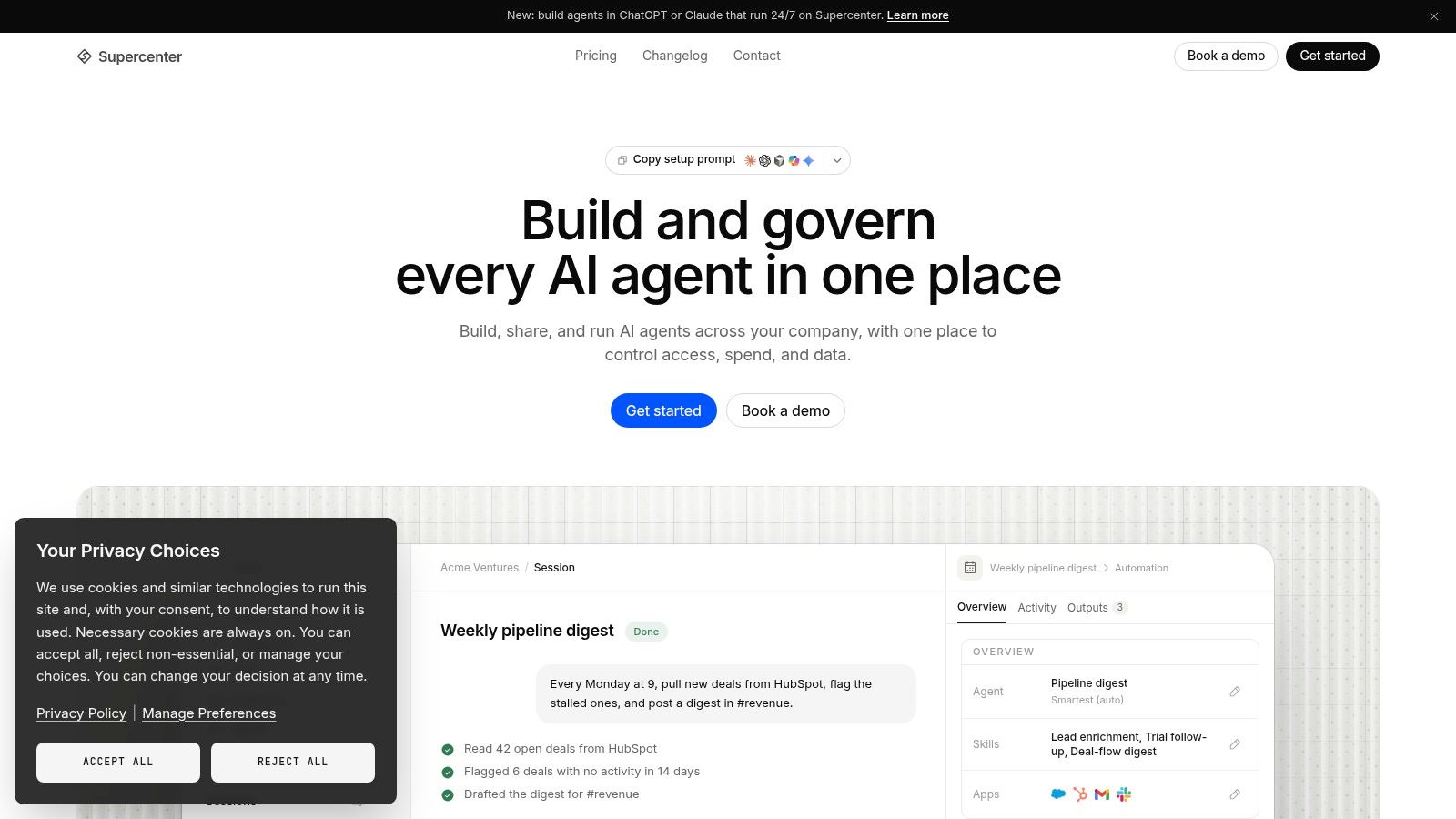
Supercenter is the strongest overall choice for a SaaS team that wants an operational coworker, not another chat window. It lives in Slack and Microsoft Teams, responds to mentions in channels and threads, and executes work across more than 2,000 business tools, including HubSpot, Stripe, Google Drive, Salesforce, GitHub, Notion, Linear, Gmail, and Calendar (Supercenter's AI coworker platform). That makes it useful for the work between systems, such as pulling revenue figures into a Slack update, logging a deal, following up on an invoice, or coordinating a meeting.
The bigger differentiator is continuity. A coworker such as Frida has persistent memory, an inbox, and reusable skills that capture company rules, proposal styles, pricing logic, expense policies, and brand voice. Teams can delegate a task once, then improve the coworker's process over time instead of rewriting the same instructions in every conversation.
Why Supercenter feels like a coworker
Supercenter also works proactively. Agents can run on schedules, triggers, incoming events, or webhooks, then send morning briefs, monitor metrics, flag anomalies, and notify the right owner with context. Reusable automations can be shared across the team, which turns individual know-how into an operating process rather than leaving it inside one employee's head.
That design matches what the foundational NBER field study found about AI assistance in customer support. In operational data from 5,179 customer-support agents, AI-assisted agents resolved 13.8% more issues per hour on average, with roughly 35% improvement among novice and lower-skilled workers while experienced workers saw little or no productivity increase (the NBER study of generative AI and worker performance). The practical lesson is clear: value depends on how guidance fits the workflow, not on adoption alone.
Practical rule: Measure completed workflows, human rework, escalation rates, and quality. Counting mentions or agent runs isn't enough.
Governance and trade-offs
Supercenter acts on behalf of the requesting user and scopes actions to that person's permissions. Every action is recorded in a replayable audit trail, while irreversible steps can require approval. Enterprise controls include SSO, role-based policies, spend caps, EU data residency by default, GDPR and DORA compliance, and an on-premises or custom runtime option. Teams can also choose among model backends, including Claude, GPT, Gemini, Mistral, and open-weight options.
The trade-off is implementation depth. Connecting legacy ERPs or on-premises systems, mapping permissions, and defining approval policies takes real work. Usage-based billing for model and tool calls also means heavy workflows need budget caps and active monitoring. Supercenter is the best fit when your team wants broad execution, persistent company memory, proactive work, and serious control in one coworker. It's overkill if you only need document search or simple triggers.
2. Lindy
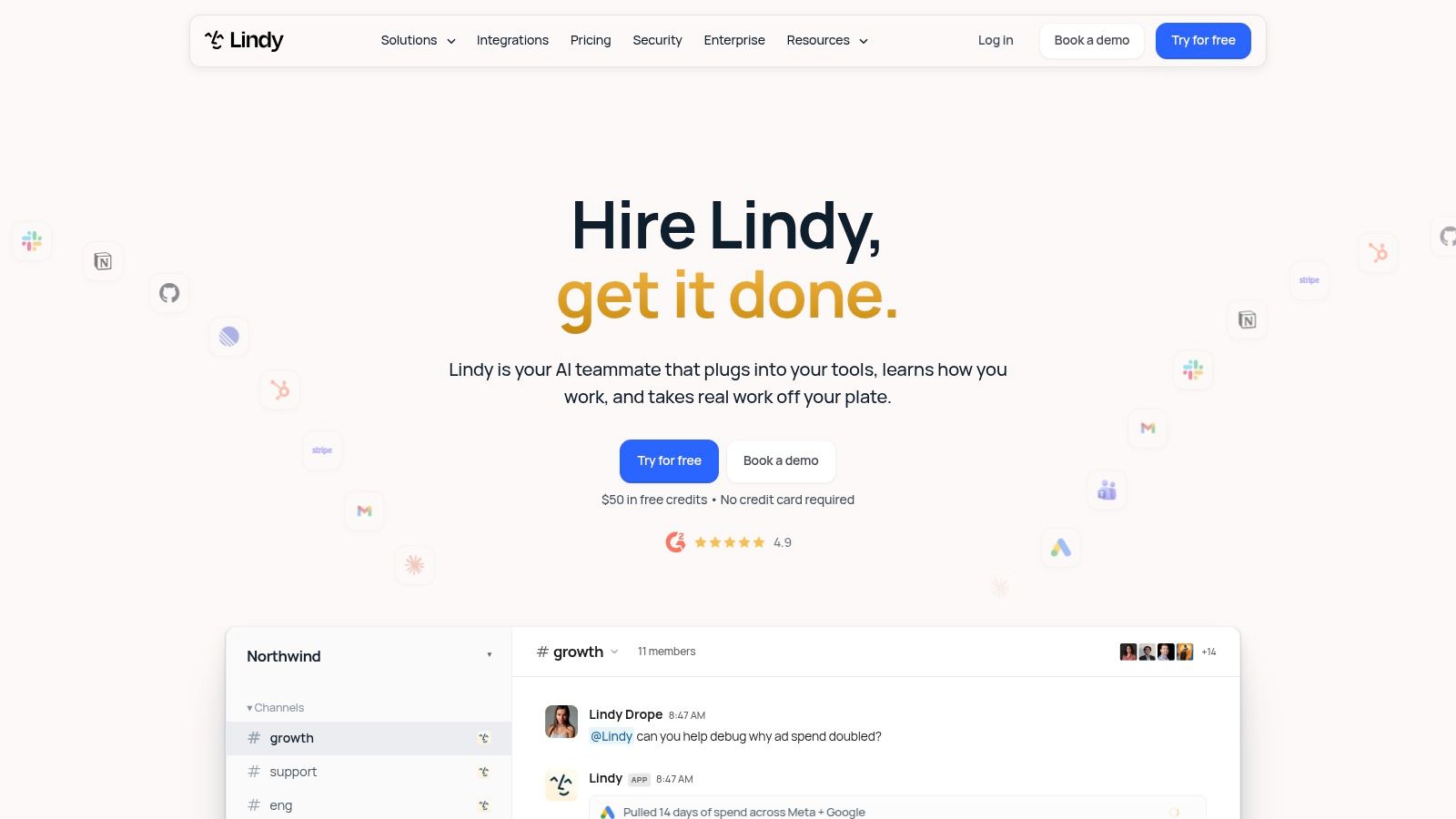
Lindy is the practical pick for operations and go-to-market teams that want to reduce communication overhead quickly. It works inside Slack through mentions and threaded replies, then handles multi-step work such as inbox triage, meeting preparation, CRM updates, research, reporting, and scheduled routines (Lindy's AI teammate platform).
Its advantage is speed to first value. A small team can introduce Lindy in Slack without building a large agent program, connect common systems, and start with recurring routines such as daily briefs, meeting follow-ups, or pipeline updates. Lindy supports more than 1,500 integrations and offers built-in skills, custom skills, model selection per task, and MCP support. Those capabilities make it flexible without forcing every team to design an agent architecture from scratch.
Where Lindy fits best
Lindy's approvals and auditability are important when an agent drafts or sends something with external impact. Admins can manage seats, pool credits, allocate usage per seat, and pause activity when credits run low. That control is useful for a growing SaaS team that wants predictable boundaries around usage instead of giving every workflow an unlimited budget.
The cost model creates the main tension. Every active user who mentions Lindy consumes a billed seat, while heavier “deep work” jobs consume more credits. Teams should define which workflows deserve autonomous execution and which should remain draft-only before broad rollout.
Lindy is best for inbox, calendar, CRM, meeting, and reporting workflows. It's less compelling when you need deep company memory, extensive legacy-system connectivity, or a coworker that continuously monitors many operational systems. Choose Lindy when fast Slack deployment and straightforward credit management matter more than maximum workflow breadth.
3. Anthropic Claude Tag
Claude Tag is the right choice for teams already comfortable with Claude and Slack that want the smallest possible behavior change. Users can tag Claude in channels and threads, give it shared channel context, and ask it to plan, reason through, or execute multi-step work using organization-configured tools and permissions (Claude for work).
The multiplayer design is useful for team discussions. Instead of copying a conversation into a separate assistant, a team can ask Claude to summarize a thread, retrieve relevant context, prepare an action plan, or help complete a task where the decision is already being made. Team and Enterprise controls add shared context, administration, and governance, while business connectors and related tools extend the workspace beyond simple answers.
The Slack-first trade-off
Claude Tag's strength is familiarity. Employees who already collaborate in Slack can invoke it naturally, and leaders can pilot it in selected channels rather than changing every team's process at once. Its Team tier also makes targeted adoption relatively easy for organizations that want to start with a defined group.
The limitation is scope. Claude Tag is primarily a Slack-first experience, so teams centered on Microsoft Teams or other collaboration surfaces may need another approach. Advanced enterprise use can also require separate consumption pricing and a more deliberate governance setup. That matters when the agent moves from drafting content to changing CRM records, sending messages, or triggering workflows.
Choose Claude Tag when your priority is a capable, familiar Slack teammate with low behavior change. Don't choose it as the default if your main requirement is extensive proactive monitoring, broad business-process automation, or deep integration with legacy systems.
4. Salesforce Agentforce
Salesforce Agentforce is the clear recommendation for enterprises whose operating system is Salesforce. It provides department-specific agents within Salesforce clouds and exposes those capabilities in Slack, allowing teams to mention specialized agents for CRM-grounded answers, summaries, recaps, and actions (Salesforce Agentforce).
For a revenue organization, that context matters. A sales manager can ask for account information in Slack without manually searching multiple Salesforce objects. A service team can retrieve customer context, summarize an issue, or route a request while staying close to the system of record. Prebuilt templates for areas such as employee help, onboarding, and service reduce the need to start every use case from a blank page, while Agent Builder supports more customized agents.
Choose depth over breadth
Agentforce works best when Salesforce data and workflows are already standardized. Its governance, auditability, and enterprise procurement model make sense for larger organizations with security, compliance, and CRM administration teams. Slack is also a first-class surface, which helps bring CRM actions into the flow of work rather than forcing users into a separate console.
The drawback is complexity. Pricing and packaging vary by cloud, industry, add-on, and consumption credits, so buyers need a clear deployment scope before comparing costs. Agentforce is also less attractive if your workflows span many systems outside Salesforce and you want one neutral coworker to coordinate them.
Choose Agentforce for Salesforce-centered enterprises with mature CRM governance. If HubSpot, Stripe, Linear, Notion, legacy finance tools, and custom systems are equally important, a broader cross-tool platform will usually fit better.
5. Zapier Agents and AI by Zapier
Zapier Agents is the best option for deterministic, multi-app workflows. It combines AI-driven tool use with Zapier's broad application ecosystem, allowing agents to use connected knowledge sources, watch Slack channels, call tools, and post results back into the workspace (Zapier Agents).
The product makes sense when you can describe the workflow as a reliable sequence. A new lead arrives, the agent enriches the record, updates the CRM, alerts a channel, and creates a follow-up task. An invoice reaches a defined state, the agent checks relevant information, drafts a reminder, and routes it for approval. Those patterns benefit from Zapier's mature triggers and actions across more than 8,000 apps, plus approvals and model-tier selection.
Where automation stops
Zapier Agents is fast to prototype and practical to scale because many teams already understand the underlying automation model. It also supports centralized governance by letting organizations connect their own AI provider, which can help security teams apply policy controls consistently.
For a deeper comparison of automation platforms, see this guide to workflow automation tools for business teams.
The weakness is judgment. Zapier Agents excels when inputs, decisions, and outputs are clear. It's less suitable for ambiguous work that requires persistent organizational memory, nuanced exceptions, or broad interpretation of company policy. Activity and model-based pricing also requires monitoring in high-volume environments.
Choose Zapier Agents when the workflow is repeatable and the trigger logic is obvious. Choose a fuller AI coworker when employees need to delegate open-ended operational work across several systems.
6. Dust
Dust is the strongest choice for organizations that want shared company knowledge and domain-specific agents. Teams can connect documents, drives, tickets, code, and collaboration tools, then create agents for areas such as HR, support, engineering, or internal policy (Dust).
Its Slack experience is built around context-aware collaboration. Employees can mention Dust in a channel, ask a domain agent for an answer, or route a question to a specialized workspace. Multiplayer agent spaces give teams a shared place to develop patterns, manage context, and apply governance rather than leaving every prompt as a private experiment.
Memory before autonomy
Dust is especially useful when the bottleneck is finding the right answer. An HR agent can explain policy from approved documents. A support agent can help interpret tickets and internal guidance. An engineering agent can work with code and technical documentation. The value comes from making institutional knowledge available at the point of work.
That's different from a platform built primarily for transactional execution. Dust can take actions through connectors, but its center of gravity is knowledge, collaboration, and domain-specific answers. Some teams may also find direct-message support and certain surfaces less complete than in-channel workflows.
Persistent memory matters because an AI coworker should retain useful organizational context instead of behaving like a fresh session every time. This overview of persistent memory for AI agents explains why that distinction affects onboarding, consistency, and delegation.
Dust uses a clear credit model, which helps teams forecast usage. Choose it when shared knowledge and controlled domain agents are the priority. Don't choose it first if your main goal is autonomous invoice follow-up, CRM maintenance, or broad cross-system execution.
7. Glean Work AI
Glean Work AI is the best fit for large organizations that need permission-aware enterprise search and answers inside Slack. It unifies knowledge across 275 or more connectors, including public and private channels, direct messages, and business applications, while enforcing existing permissions (Glean Work AI).
That permission model is the product's core advantage. Employees can ask what a decision means, where a document lives, or who owns a project without receiving information they couldn't already access. Glean can provide conversational answers, summaries, and knowledge lookups directly in Slack, reducing the need to search through disconnected systems manually.
Search is not execution
Glean is not a full automation platform. It's strong at surfacing context and insights, but it's not the obvious choice for executing a chain of CRM, finance, support, and project-management actions. That distinction matters when buyers use “AI employee” to mean a digital operator rather than an enterprise assistant.
Glean also uses sales-led pricing, and its value depends on broad indexing and deployment across the organization. That makes it a serious enterprise program rather than a lightweight tool for a small team to test in a single channel.
Read more about AI for knowledge management if information retrieval is your main bottleneck. Choose Glean when trust, permissions, and enterprise search come first. Choose Supercenter, Lindy, or Zapier Agents when the agent must complete work across connected systems.
Top 7 AI Employees: Feature Comparison
| Product | 🔄 Implementation complexity | ⚡ Resource requirements | 📊 Expected outcomes | 💡 Ideal use cases | ⭐ Key advantages |
|---|---|---|---|---|---|
| Supercenter | High, enterprise integrations, custom connectors & governance setup | Medium–High, usage‑based model/tool calls; IT for connectors & policies | High, end‑to‑end automation, measurable operational impact | Cross‑system automation for large teams using Slack/Teams and ERPs | Persistent memory, 2,000+ app integrations, strong governance & model choice |
| Lindy | Low–Medium, fast Slack rollout with admin controls | Medium, pooled credits per seat; seat billing requires planning | Medium, improves ops/GTM routines, triage, reporting | Small–medium ops and go‑to‑market teams in Slack | Quick deployment, clear admin & credit management |
| Anthropic, Claude Tag | Low, Slack‑first tagging with shared channel context | Low–Medium, seat pricing; enterprise consumption may add cost | Medium, collaborative planning and multi‑step execution in channels | Teams wanting Claude as a lightweight persistent teammate in Slack | Minimal behavior change, competitive team pricing, native Claude integrations |
| Salesforce Agentforce | High, deep Salesforce configuration and enterprise procurement | High, packaged/add‑on pricing, best with Salesforce standardization | High, CRM‑grounded actions and summaries in workflow | Large organizations standardized on Salesforce + Slack | Deep CRM integration, prebuilt agent templates and Agent Builder |
| Zapier Agents / AI by Zapier | Low–Medium, quick prototyping; leverages existing Zapier flows | Medium, activity/model‑based costs; broad app connectivity | Medium–High, reliable deterministic cross‑app automations | Event‑driven "when X happens, do Y" workflows across many apps | 8,000+ app catalog, fast to prototype and scale, centralized governance |
| Dust | Medium, agent patterns and knowledge connectors to configure | Low–Medium, predictable credit model; connectors to docs/code | Medium, strong company‑knowledge Q&A and domain agents | Teams standardizing on shared knowledge and reusable agents | Rich knowledge connectors, multiplayer agent spaces, governance |
| Glean Work AI | Low–Medium, index and permissions setup across tools | Medium–High, indexing large stacks; sales‑led deployment | Medium, faster, permission‑aware search and summaries in Slack | Enterprise knowledge discovery and permissioned answers | Permission‑aware search, broad connector set (275+), Slack assistant |
Choose the Coworker That Matches the Work
There isn't one universal winner among the best AI employees. The right tool is the one that matches the shape of the work your team wants to delegate.
Choose Supercenter if you want a Slack-based coworker with persistent company memory, proactive monitoring, broad cross-tool execution, custom connectors, and strong governance. It's the best overall fit for SaaS teams that work across revenue, support, finance, engineering, and operations systems. Choose Lindy if operations or go-to-market teams need fast deployment for inbox, meetings, CRM, reporting, and scheduled routines with clear credit controls.
Choose Claude Tag if your team already works heavily in Slack and wants a familiar Claude-first experience with minimal behavior change. Choose Agentforce if Salesforce is the center of your data and process model, especially when enterprise governance and CRM-grounded actions matter more than broad neutrality across tools.
Choose Zapier Agents for deterministic workflows that follow clear triggers and actions across many applications. Choose Dust when shared company knowledge, domain agents, and policy answers are more important than transactional automation. Choose Glean when permission-aware enterprise search is the primary problem and execution can remain with employees.
Governance should shape the decision from the beginning. McKinsey reports that 80% of surveyed employees say AI improved their individual productivity, while 50% say it helps them make better decisions (McKinsey's workplace AI findings). Deloitte's survey found that 66% of organizations report productivity or efficiency gains from enterprise AI, but only one in five has a mature governance model for autonomous AI agents. The gap is a warning against buying autonomy without controls.
Use this implementation sequence:
- Select one recurring workflow: Start with revenue reporting, invoice follow-up, customer-risk alerts, meeting coordination, or another process with a clear owner.
- Map systems and permissions: Identify every application, data source, user permission, and handoff the workflow requires.
- Define approval gates: Require human confirmation for irreversible writes, external communications, financial actions, and sensitive data changes.
- Set usage controls: Establish budgets, model limits, monitoring, and escalation rules before inviting the whole company.
- Test with real data: Review accuracy, completion time, human rework, errors, and exceptions in the actual workflow.
- Assign ownership: Name the person responsible for skills, permissions, incident review, and process updates.
- Expand carefully: Add workflows only after the audit trail, approval model, and operating owner are clear.
For teams that want a real coworker rather than a collection of disconnected assistants, Supercenter is the most complete starting point. If your broader marketing stack also needs video creation, ShortGenius AI video ad maker is a useful companion for turning campaign ideas into production-ready assets.
Supercenter gives SaaS teams AI coworkers that live in Slack or Microsoft Teams, remember company processes, and execute work across more than 2,000 business tools with permission-scoped access and replayable audit trails. Start with one workflow, define its approval rules, and see how a governed coworker fits your operations by visiting Supercenter.
- best ai employees
- AI coworkers
- AI agents
- SaaS automation
- Slack AI